
Create Shortcut
Android
1. Try to install the shortcut using the link provided.
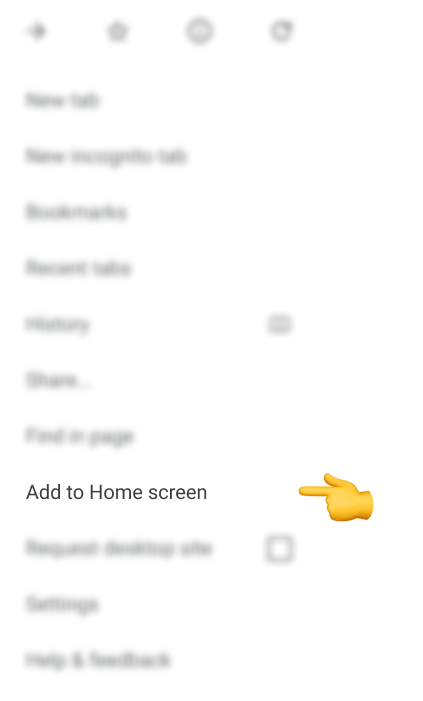
2. If that doesn't work, tap the menu icon (three dots) in the top-right corner.
.png)
3. Scroll down, find Add to Home screen, and tap.
4. Enter a name for your shortcut, and the browser will add it to your home screen.
IOS
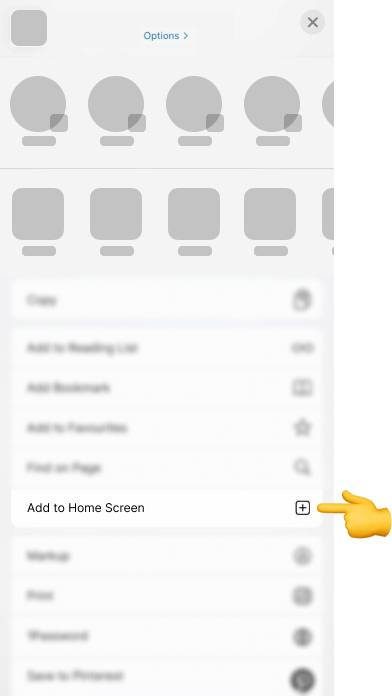
1. Tap the Share icon (the square with an upward arrow) at the bottom of your screen.
.png)
2. Scroll down, find Add to Home Screen, and tap.
3. Enter a name for the shortcut, tap Add, and it will appear on your home screen.
